
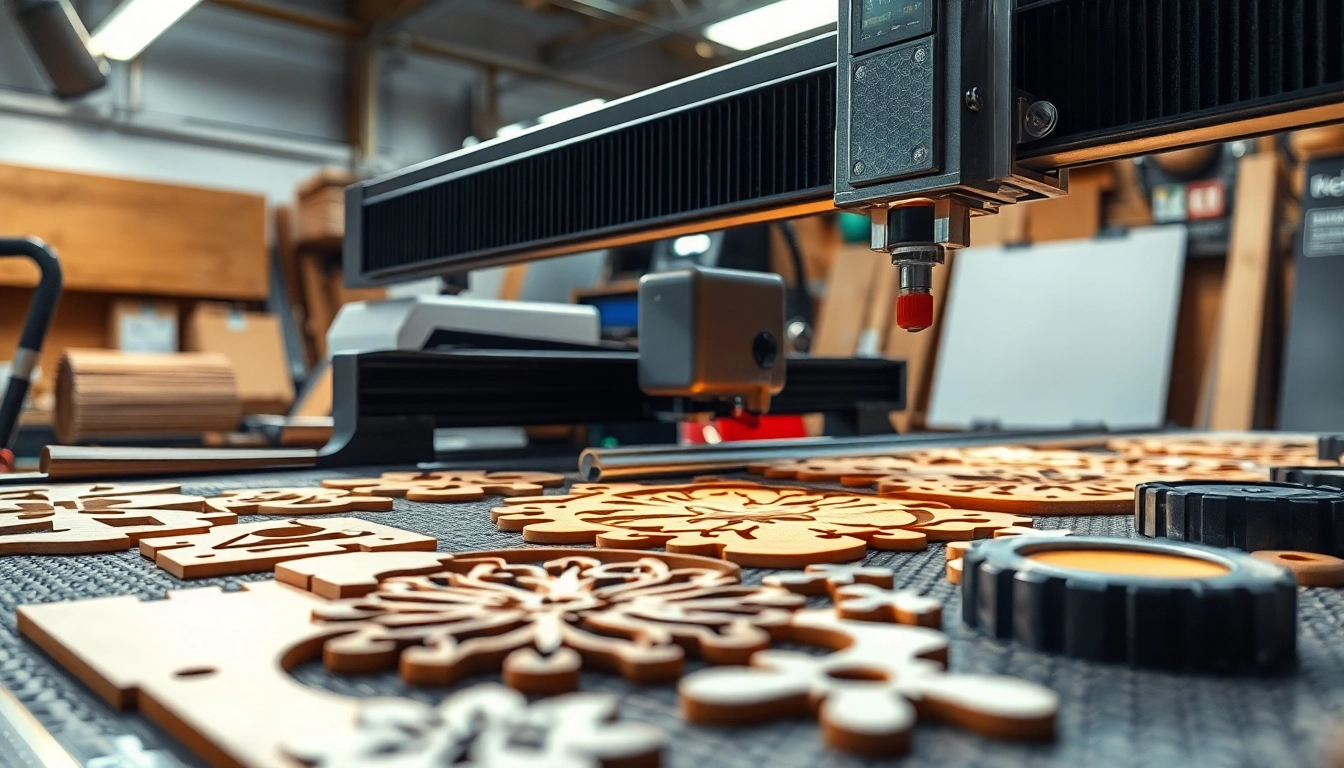
Understanding dxf file for Laser Cutting
What is a DXF File?
A DXF (Drawing Exchange Format) file is a CAD (Computer-Aided Design) data file format developed by Autodesk for enabling data interoperability between AutoCAD and other software applications. This vector format is essential for 2D and 3D drawings, as it contains detailed information about geometrical shapes, coordinates, and dimensions, making it a preferred choice for industries involving precise designs and production methods, particularly in laser cutting.
Importance of DXF in Laser Cutting
The significance of DXF files in laser cutting cannot be overstated. They serve as the language through which designs are communicated to laser cutting machines. These files allow machines to interpret the cutting paths accurately, ensuring high-quality results. The precision of a dxf file for laser cutting translates directly into better efficiency and reduced waste during the manufacturing process. Moreover, their widespread use across various CAD software provides users with flexibility and ease of integration into different workflows.
Key Features of an Effective DXF File for Laser Cutting
An effective DXF file for laser cutting should include several key features:
- Precision Geometry: Accurate representation of all dimensions and shapes to ensure consistent cutting.
- Layering: The ability to organize different components into layers for complex designs helps the machine understand cutting priorities.
- Unit Scale: Proper scaling of the design to match the material dimensions.
- Minimal Complexity: Limit intricate designs to essential elements to avoid cutting errors.
- File Size: Smaller file size typically results in faster processing, which is critical for efficiency in production.
How to Create a dxf file for Laser Cutting
Tools for Creating DXF Files
Creating a DXF file can be accomplished using a variety of software tools. Commonly used applications include:
- AutoCAD: A widely used CAD software known for its capability to create detailed drawings.
- Inkscape: An open-source vector graphics editor that allows users to create and export drawings in DXF format.
- CorelDRAW: This graphic design software provides robust tools for designing and exporting to DXF.
- Fusion 360: A cloud-based 3D CAD solution that also facilitates DXF file creation for various applications.
Step-by-Step Guide to Designing DXF Files
To create a DXF file suitable for laser cutting, follow these detailed steps:
- Choose Your Software: Select a CAD program that supports DXF file formats.
- Create Your Design: Use drawing tools to outline the design you aim to cut.
- Set Dimension Preferences: Ensure all measurements are set to scale, indicating the exact sizes needed.
- Optimize Layer Management: Separate different components into layers as necessary.
- Export to DXF: Save or export your final design in the DXF format, verifying the compatibility with laser cutting software.
Tips for Ensuring Cut Quality
Achieving optimal cut quality requires careful consideration of your design and file:
- Simplify Designs: Avoid overwhelming details that may complicate the cutting process.
- Check Line Width: Ensure that lines are appropriately thick for the laser to follow precisely.
- Test Cuts: Always conduct test cuts on scrap material to adjust settings appropriately before the final cut.
- Use High-Quality Vectors: Ensure that your design remains a vector file to avoid pixelation, which can lead to inaccuracies in cutting.
Common Challenges with dxf file for Laser Cutting
File Compatibility Issues
One of the most common challenges faced in laser cutting is file compatibility. Not all laser cutting machines support the same file formats, and even among those that do, differences in how the .dxf file is interpreted can lead to issues. It is crucial to verify that the DXF file conforms to the specifications required by your machine to avoid any delays or errors in the cutting process.
Design Errors and How to Fix Them
Design errors such as overlapping lines, gaps, or incorrect scaling can lead to failed cuts or poor quality outcomes. To mitigate these issues:
- Review Designs Thoroughly: Analyze designs carefully before finalizing the DXF file.
- Utilize Validation Tools: Many CAD applications come equipped with error-checking tools that can help identify problems before exporting.
- Use Consistent Units: Ensure that measurements are consistent throughout the design to prevent scaling issues.
Managing Material Limitations
Different materials respond to laser cutting in various ways. Understanding your material’s capabilities—such as cutting speed, thickness, and heat sensitivity—is essential. Tailor your DXF file to suit the chosen material, adjusting settings like velocity and power accordingly to achieve the best results. Experimenting with different materials can also provide insights into how designs need to be altered for effective cutting.
Best Practices for Using dxf file for Laser Cutting
Optimizing Your Design for Laser Cutting
To optimize your design for laser cutting, consider the following practices:
- Minimize Waste: Arrange components to maximize material usage and minimize waste.
- Incorporate Tabs: For larger pieces, adding tabs ensures that parts remain connected until the final assembly.
- Consider Kerf: Factor in the kerf, or width of the laser cut, to ensure precise fitting during assembly.
Testing Your Files Before Final Cuts
Conducting test cuts is critical in ensuring your DXF file performs as expected. Begin with scrap materials to fine-tune settings without risking valuable materials. This step not only helps to adjust cutting parameters but also can reveal unexpected interactions between the design and material that need addressing.
Maintaining Your Laser Cutter for Optimal Performance
Regular maintenance of your laser cutter is crucial for ensuring high-quality cuts. Create a routine that includes:
- Cleaning Lenses and Mirrors: Ensures maximum power and focus of the laser beam.
- Checking Alignment: Regularly verify the alignment of the laser to prevent cutting inaccuracies.
- Calibration: Periodically calibrate the machine parameters to maintain optimal performance over time.
Frequently Asked Questions about dxf file for Laser Cutting
What are DXF files for laser cutting?
DXF files are vector file formats used to give laser cutting machines the precise cutting instructions needed for creating designs. They are essential for 2D and 3D drawings in laser cutting operations.
How do I create a DXF file for laser cutting?
You can create a DXF file using graphic design software like AutoCAD, Inkscape, or CorelDRAW, which lets you save your designs in the DXF format for laser cutting applications.
Does all laser cutting software support DXF files?
Most laser cutting software supports DXF files, but it’s important to check compatibility with your specific machine or software to ensure proper functionality.
Can I convert other file formats to DXF?
Yes, many graphic design applications provide options to convert formats like SVG or AI into DXF, making it flexible for different design needs.
Is a DXF file the best option for laser cutting?
Yes, DXF files are often preferred due to their precise vector data, allowing laser cutters to interpret the paths accurately for high-quality cuts.